
Create new frend front project
Usage
Ensure to install the frend CLI first:
pnpm install -g @frend-digital/cliWhen ready, run the command:
frendFollow the prompts to create a new frend front project.
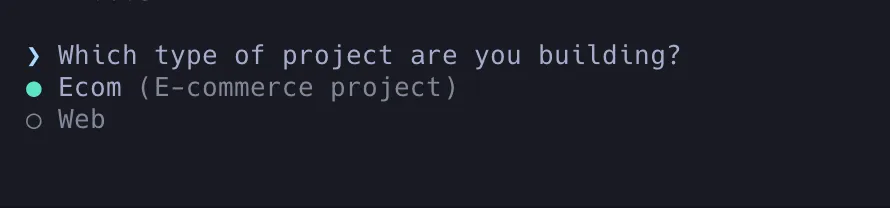
- Select the type of project you want to create
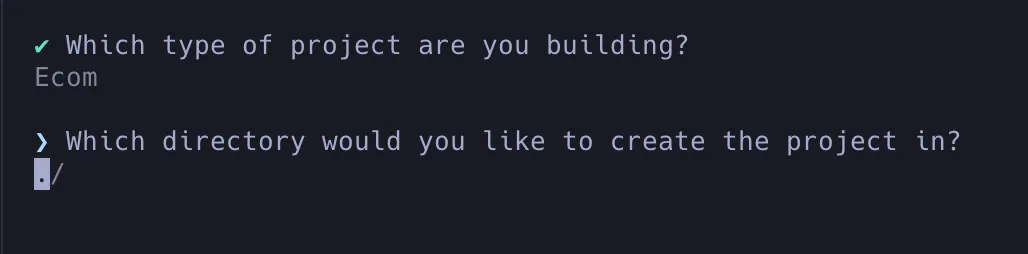
- Select the folder where you want to create the project
- Choose wether or not to install dependencies
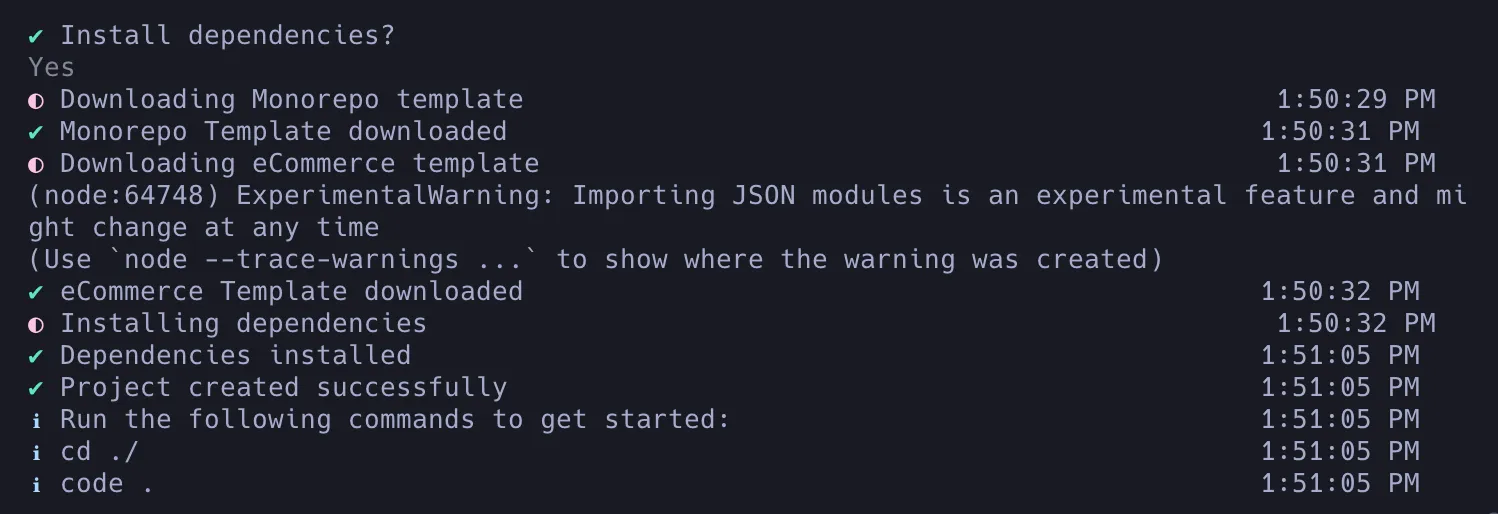
Running the project
Before running the project, the following enviroment variables must be set:
| Name | Description |
|---|---|
CENTRA_CHECKOUT_SECRET | Secret key used to authenticate checkout requests with Centra’s API. Keep this secure to prevent unauthorized access. Found under: Centra -> System -> Stores -> Retail -> Plugins -> Select previously generated checkout plugin -> Shared secret for server-side communication |
PREVIEW_TOKEN | Token generated on our side to enable previewing unpublished or draft content in Storyblok before it goes live. Used in preview endpoint for pre-release viewing. |
REVALIDATE_SECRET | Secret key generated on our side to trigger data revalidation. Used in revalidate endpoints and Cloudflare worker for content refresh as needed. |
STASH_REVALIDATE_SECRET | Secret key generated on our side to trigger data revalidation. Used in revalidate endpoints and Cloudflare worker for content refresh as needed. |
STORYBLOK_TOKEN | Token to access Storyblok’s content delivery API for frontend access to managed content. Location: Storyblok -> Settings -> Configuration -> Access Tokens (select token with “preview” access level). |
NEXT_PUBLIC_CENTRA_CHECKOUT | Public-facing Centra checkout URL for frontend access. Generated under: Centra -> System -> Stores -> Retail -> Plugins -> Add plugin method -> Select “checkout API” in “Plugin” dropdown -> Provide descriptive “Plugin name” -> In URI input, write “checkout” -> Save. |
NEXT_PUBLIC_CENTRA_DOMAIN | Public-facing Centra domain for frontend access. |
NEXT_PUBLIC_GTM_ID | Google Tag Manager (GTM) ID to integrate GTM scripts for analytics and tracking. |
NEXT_PUBLIC_PROJECT | Centra project name (e.g., alfasko). |
NEXT_PUBLIC_HYPERDX_KEY | HyperDX key to integrate HyperDX scripts for analytics and tracking. |
NEXT_PUBLIC_ADDRESS_KEY | Address key to integrate Address scripts for geolocation and address-based marketing. |